
We are driving on a recently renovated departmental road, the Citroën GPS still displays the old route and suggests an absurd U-turn. This discrepancy between the onboard map and the reality of the road network affects a large number of drivers who have never checked the version of their navigation system. Before initiating any procedure, it is essential to know what equipment is behind the touchscreen, as Citroën has multiplied platforms over the generations.
Identify the multimedia system of your Citroën before any manipulation

Updating a Citroën GPS is not done the same way depending on whether you have an old SMEG, a NAC, or a My Citroën Drive Plus. The confusion between these systems is the primary source of failure during an update attempt.
To find the exact reference, go through the “Settings” or “Parameters” menu on the touchscreen, then “System Information” or “About.” The screen will then display the name of the system (eMyWay, SMEG, SMEG+IV, NAC, RCC) and the current software version. On some models, a sticker on the unit located in the glove box or behind the screen also mentions the reference.
A complete guide detailing each step is available for the Citroën GPS update on Automobile Référence, with correspondences between models, years, and onboard systems.
The key point to remember: the SMEG and RT6 systems no longer receive new maps. Since 2023, only the NAC and My Citroën Drive platforms continue to receive updates. If your Citroën is from before 2016 and runs on SMEG, the last available map will likely be the version already installed or one still accessible on the Citroën navigation portal.
Citroën GPS update via USB key: the concrete procedure
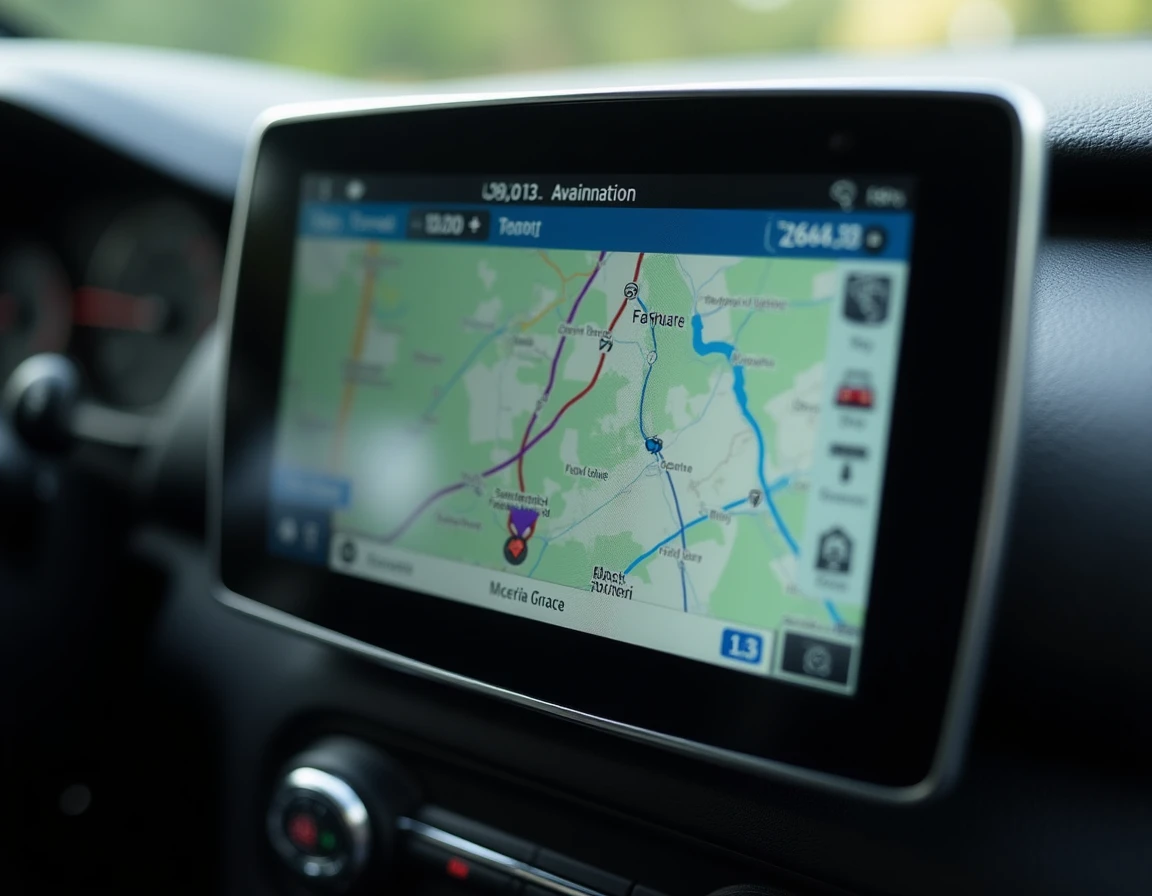
The majority of map updates still go through a USB key, especially on NAC and eMyWay systems. You plug it in, wait, and restart. On paper, it’s simple. In practice, a few details can block the operation.
Prepare the medium and files
- Use a USB key formatted in FAT32, with sufficient capacity (the complete European map weighs several gigabytes). Keys in NTFS or exFAT are rejected by most Citroën systems.
- Download the files from the official Citroën navigation portal (citroen.navigation.com) after creating an account and identifying your vehicle by VIN. The download may take a long time depending on the connection.
- Do not rename or move the extracted folders on the key. The directory structure must remain intact for the system to recognize the update.
Start the installation in the vehicle
Insert the USB key into the designated port (often in the center armrest or glove box). The engine must be running for the entire duration of the installation. Turning off the ignition during the update can corrupt the system and require a visit to the dealership for a reset.
The screen displays a progress bar. On a NAC system with complete mapping, expect between twenty minutes and an hour. You only remove the key after the confirmation message and the automatic restart of the system.
OTA updates on recent Citroëns: what changes
On the latest models equipped with the My Citroën Drive Plus system (new C3 and ë-C3 in particular), Citroën has integrated the ability to receive updates directly via the vehicle’s 4G connection. No need for a USB key or computer for these vehicles.
The system automatically checks for the availability of a new version and offers installation, usually when the vehicle is stationary. You confirm on the touchscreen, the update downloads and installs in the background.
Feedback varies on this point: some owners report quick notifications after a new update is released, while others wait several weeks before the system offers it. Network coverage at the usual parking location plays a direct role.
Free updates, costs, and duration of Citroën map coverage
Citroën generally offers a period of free updates after the vehicle’s first registration. This duration varies depending on the model and year of purchase. Beyond this period, maps are paid on the official portal, with prices depending on the geographical area covered (France only or entire Europe).
For a used vehicle, the question arises differently. The free period runs from the date of first registration, not from the date of purchase by the second owner. You often end up with a system whose free coverage has expired.
Alternatives to official mapping
Some drivers bypass the problem by using Android Auto or Apple CarPlay, available on NAC systems and newer. The phone’s GPS (Google Maps, Waze) then takes over on the vehicle’s screen, with always up-to-date maps and no additional costs.
This solution works well on a daily basis, but it depends on the phone’s connection and does not completely replace the onboard system, particularly for integrated speed limit alerts on the dashboard in some models.
Errors that block the Citroën GPS update
Three situations frequently arise on forums and at dealerships:
- Using a low-quality or too slow USB key. Low-end USB 2.0 keys cause reading errors during installation.
- Attempting to install a mapping incompatible with the system’s software version. Sometimes it is necessary to update the firmware before the mapping, in a specific order indicated on the download portal.
- Starting the procedure with a weak vehicle battery. If the voltage drops, the system interrupts the installation to protect itself.
On older systems (eMyWay, SMEG), a complete reset via a long press on the volume button or by disconnecting the battery can unblock a system that has frozen after an interrupted update. For NAC platforms, a visit to the workshop with the diagnostic tool is sometimes the only solution.
The onboard GPS of a Citroën remains a reliable tool as long as you regularly check its version and follow the procedure specific to each generation of the system. Between the end of support for older SMEG systems and the arrival of OTA updates on recent models, the brand has significantly simplified the operation, but the vehicle fleet still covers all generations of systems.